Track Your Vehicles Anywhere
Stay connected to your vehicles with live tracking, trip information and important alerts available from your phone.
Track Your Vehicles Anywhere
Stay connected to your vehicles with live tracking, trip information and important alerts available from your phone.
Different Apps. One Trusted Experience.
Your TrackLive service is connected to the app configured for your vehicle, with reliable tracking and support across our app platforms.
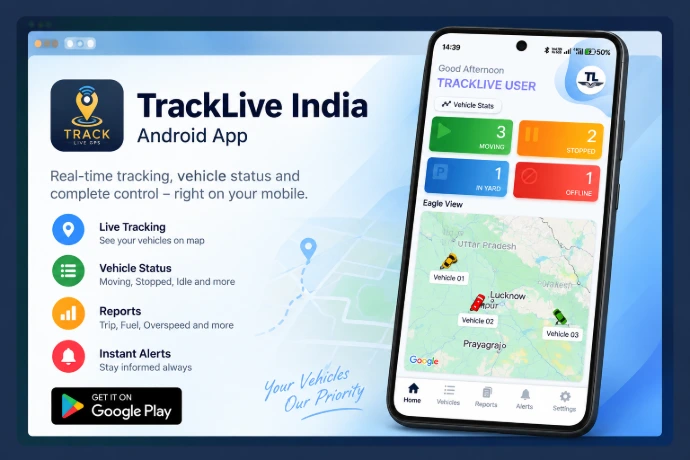
TrackLive India — Android
Access your TrackLive service through the Android app configured for your tracking setup.
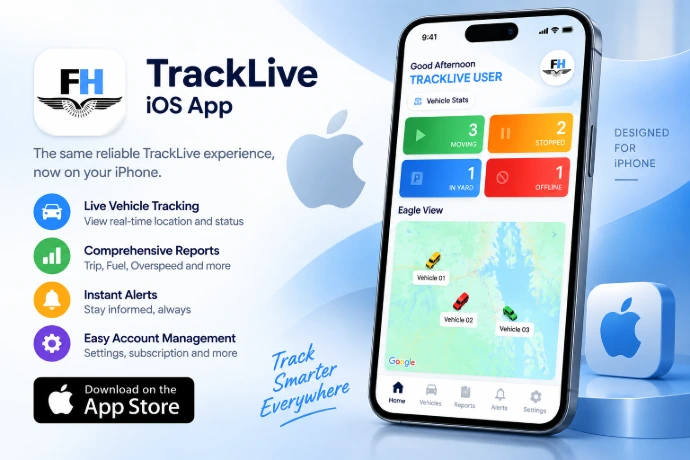
Fleet Hunt – iPhone
Access your TrackLive GPS tracking service on iPhone through the Fleet Hunt app, available on the Apple App Store.
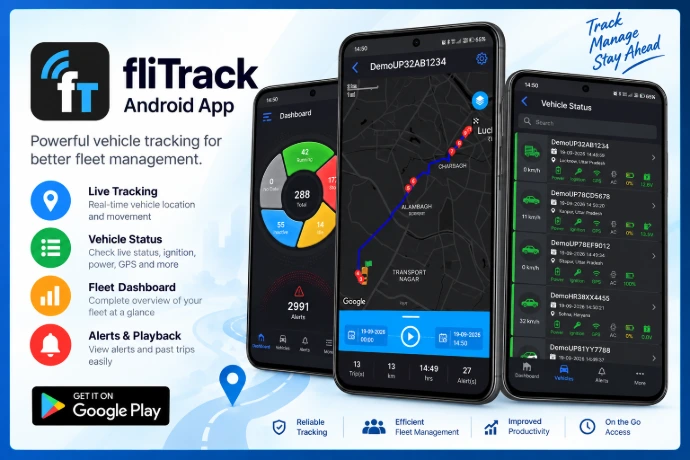
fliTrack — Android
Access vehicles configured on the fliTrack platform through its dedicated Android app.
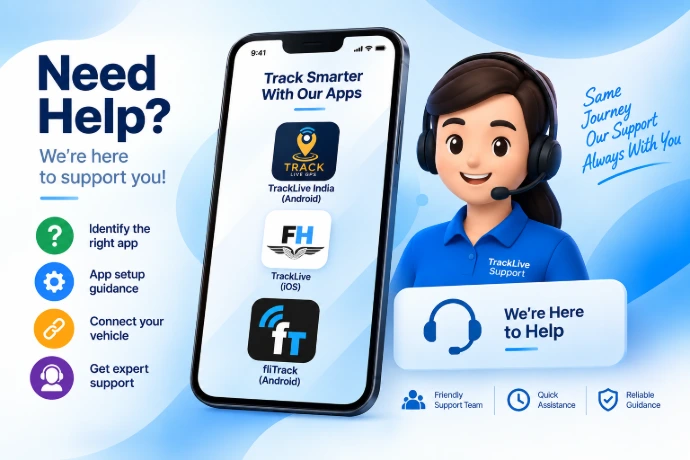
Need Help Accessing Your App?
Not sure which app is linked to your vehicle? We’ll help you identify the correct app and get you connected.
How to Get Started
Identify Your App
Your tracking app depends on the tracking platform configured for your vehicle. Use the app recommended by the TrackLive GPS team.
Download and Install
Download the appropriate application using the official link provided on this page.
Sign In and Start Tracking
Use the login credentials supplied during activation. If you need assistance, contact our support team.
Tracking Features
Live vehicle location
View the location reported by your configured device.
Trip history and routes
Review available journey and route information.
Vehicle status
Check the vehicle status available on your platform.
Alerts and notifications
Receive supported alerts enabled for your setup.
Multiple vehicles
Access multiple vehicles where supported.
Reports and more
Use reports and other platform-specific features.
Feature availability varies by tracking platform, device configuration and subscription. Not all features are available on every setup.
App Help & FAQs
Which tracking app should I download?
Use the app assigned to your vehicle by TrackLive GPS. Contact support if you are unsure.
Where can I get my username and password?
Your login details are provided during service activation. Contact support if you need help accessing your account.
Why is my vehicle location not updating?
Updates may be affected by mobile connectivity, GPS reception, power supply or technical faults. Report the issue to our support team for investigation.
Can I use the same app on Android and iPhone?
App availability depends on the tracking platform. Use the supported application recommended for your device.
What should I do if I change my phone?
Install the appropriate app on your new phone and sign in using your existing credentials, where supported. Contact support if assistance is needed.
Need help getting connected?
Need help choosing or accessing your tracking app? Our support team can help you identify the correct application and get connected.